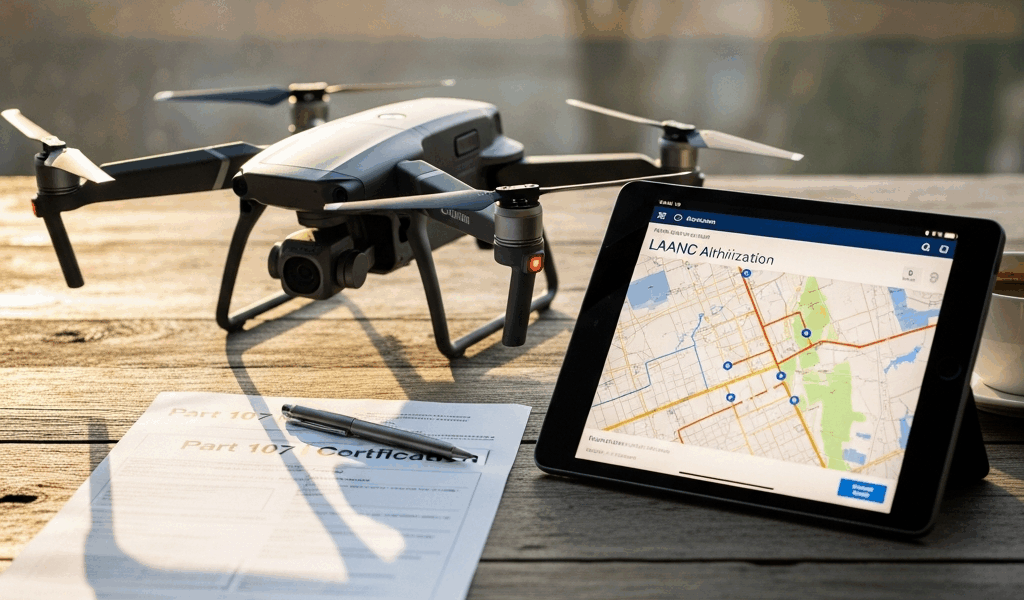
LAANC Has Gotten Complicated With All the Misinformation Flying Around — Let’s Fix That
As someone who’s been running Part 107 operations in controlled airspace for the past four years, I learned everything there is to know about airspace authorization the hard way. Today, I will share it all with you.
But what is LAANC? In essence, it’s a system that lets the FAA issue near-instant approvals for drone flights in controlled airspace — typically below 400 feet, within 5 nautical miles of an airport. But it’s much more than that. LAANC — Low Altitude Authorization and Notification Capability, if you want the full name — is what separates pilots who actually get work done near airports from pilots who are still waiting on paperwork. Before it existed, you’d submit a formal request through the FAA’s DroneZone portal and wait anywhere from a few days to several months. Actual months. For a drone flight.
Controlled airspace is restricted — Class B, C, D, or E, depending on where you’re operating. Flying a drone there without authorization is illegal, full stop. The FAA built LAANC specifically to cut through that bureaucracy so pilots doing legitimate work — inspections, real estate photography, infrastructure surveying — could actually function near airports.
Here’s what matters most, and honestly I should lead with this every time I explain it to someone: LAANC is completely free. Zero dollars to the FAA. You download an approved app, drop a pin, submit your request, and usually have an answer in under ten seconds. I’ve clocked approvals at under five seconds more times than I can reasonably count. That’s not marketing copy — that’s just how the system works when the airspace is clear.
Step-by-Step — Getting LAANC Approval in Minutes
It’s simpler than most people expect. Here’s exactly how it works.
Step 1: Download an Approved LAANC App
Your first move is picking an app. The FAA has approved several providers — AirMap, Aloft, Kittyhawk, and DJI Fly for those flying DJI hardware. I’ll get into which one actually fits your workflow in the next section. For now, just know you have real options, and none of them cost anything to get started.
Download whichever app you land on, set up your account, and get verified. Most apps ask you to link your Part 107 certificate information during signup. Don’t skip that step — it’s what connects your authorization to your actual credentials.
Step 2: Pinpoint Your Flight Location
Open the app and select the exact location you need to fly. Drop a pin or draw a polygon around your intended flight area using the map interface. Zoom in to street level — accuracy here matters more than people realize. I once submitted a request for a property three blocks from where I actually needed to fly. The app flagged the discrepancy immediately, which saved me the headache of showing up to a denied airspace situation with a client waiting.
Your flight area determines which airspace classification applies and what altitude restrictions exist at that specific spot. This is where you find out whether LAANC will work for your request at all.
Step 3: Enter Flight Details
You’ll need to provide:
- Your Part 107 certificate number
- The altitude you plan to fly (in feet above ground level)
- The duration of your operation
- The date and time of your flight
- The type of operation (inspection, surveying, photography, etc.)
Be honest about altitude — at least if you want the authorization to actually cover your flight. If you need 250 feet, request 250 feet. Don’t put 150 feet and assume you’ll figure it out on site. The app shows you exactly what’s available in that airspace, so request what you need from the start. Don’t make my mistake.
Step 4: Submit Your Request
Hit submit. That’s it. Within seconds to maybe two minutes, you get one of three responses: approved, approved with conditions, or denied.
Approved means you’re cleared to fly. Approved with conditions usually means altitude restrictions or specific time windows apply. Denied means LAANC can’t cover this particular request — you’ll need to go through manual authorization via DroneZone, which I’ll cover at the end.
What Actually Happens Behind the Scenes
When you submit, the system checks FAA airspace data in real time — cross-referencing your location against airport operations, active airspace notices, military restricted areas, NOTAMs. It’s pulling live data, not cached information. Clear airspace at your requested time means an instant authorization. A conflict — major airport event, military exercise, active TFR — means a denial or conditional approval. The whole process, start to finish, runs about two minutes on a bad day.
Which App to Use for LAANC — AirMap vs Aloft vs Kittyhawk vs DJI Fly
Probably should have opened with this section, honestly. Your app choice shapes your entire workflow, and there’s genuinely no single correct answer.
AirMap — The Most Popular Choice
AirMap has been around the longest. It dominates the market for a reason — the free tier gives you full LAANC access, real-time weather, NOTAMs, nearby drone activity, and airspace detail that’s actually useful. The interface is intuitive enough that I can submit a request without thinking about it.
I’m apparently a creature of habit and AirMap works for me while switching apps mid-project never really works. That said, on older Android devices the submission process drags slightly, and the free version limits how many concurrent authorizations you can hold active. Minor complaints for most pilots.
Aloft — The Rising Alternative
Aloft is newer. It’s also gaining ground fast, and for good reason — it was built specifically for Part 107 commercial operations, which shows in how it’s designed. Clean UI. Fast submissions. Instant, unambiguous approval notifications.
I tested Aloft for three solid months during a high-volume real estate project — dozens of flights, multiple airports in the same metro area. Where AirMap layers on information, Aloft strips things down to what you actually need: location, airspace class, approval status. That’s the whole loop. For pilots who want zero friction, Aloft is worth a serious look.
Kittyhawk — The Enterprise Option
Kittyhawk targets commercial operators running serious flight volume — multiple aircraft, multiple pilots, compliance documentation requirements. It integrates with business software and handles fleet coordination in ways the other apps don’t bother with.
Solo Part 107 pilot doing real estate or inspection work? Kittyhawk is overkill. Running a team with 50+ flights a month and a compliance officer asking for logs? Evaluate it seriously.
DJI Fly — The Integrated Path
Flying a Mavic 3, Air 2S, or Mini 4 Pro? DJI Fly has LAANC built directly into the app. You plan your flight, the airspace authorization happens in the same interface — no switching between apps, no extra steps. That convenience is real.
The limitation is also real. DJI’s LAANC implementation is narrower than standalone apps. You get the authorization, but you lose some of the airspace context and additional features that AirMap or Aloft provide. For straightforward flights in lower-complexity airspace, it works fine.
My Recommendation by Use Case
Solo Part 107 pilot doing occasional work near airports? Use AirMap. The community resources alone are worth it.
High-volume commercial operation with a team? Go Kittyhawk or build a custom integration through the FAA’s API.
DJI hardware only, simple airspace, maximum convenience? DJI Fly handles it.
You want speed and simplicity above everything else? Aloft.
When LAANC Does Not Apply — Manual Authorization Through DroneZone
LAANC is powerful. It’s not universal. Some airspace will push you back to the slower manual process no matter what app you’re using.
Scenarios Where LAANC Doesn’t Work
LAANC covers specific airspace classes — primarily Class C and D airspace around commercial airports, plus select Class B airports in major cities. Class B airspace around places like JFK or LAX often requires manual authorization. Special use airspace, restricted areas, and military training routes are excluded entirely. When your flight falls outside LAANC coverage, the app tells you directly: “This airspace is not available for LAANC authorization.” No ambiguity.
Some flights operate in uncontrolled airspace — Class E or G — where no authorization is needed at all. LAANC won’t apply there either, because there’s nothing to authorize.
The DroneZone Manual Process
DroneZone is the FAA’s official portal for drone airspace authorizations. LAANC denial or outside LAANC coverage means you’re submitting a formal request here — detailed application, flight plan documentation, operation description, supporting materials. The FAA reviews it manually. That is faadronezone.faa.gov, if you need the address.
Approval timelines range from days to weeks to occasionally months, depending on airspace complexity and FAA workload. There’s no app shortcut. It’s a web portal, and it’s deliberately more involved than LAANC.
When You’ll Need Manual Authorization
You’re flying near Class B airspace and LAANC denied you. You need access to a restricted military area. You’re running sustained operations — more than 14 days at the same location. Your drone tops 55 pounds. You’re operating beyond visual line of sight. You’re flying at night without a waiver already in hand.
In any of those situations, DroneZone is the only path forward. Budget extra time. Budget extra patience.
LAANC solved a genuinely serious problem. Before it existed, near-airport drone work was practically impossible for individual Part 107 pilots — the wait times alone made it economically unworkable for most jobs. Now the majority of my flights get approved before I’ve finished adjusting my camera settings. Download an app, submit a request, fly. That’s what modern drone operations actually look like.




Stay in the loop
Get the latest flighttechtrends updates delivered to your inbox.